Collection: How Do You Choose the Right Cooling Setup for High-Density Equipment Enclosures?

Anyone who has stepped into a working server room knows the immediate wall of heat that hits you. Modern networks handle heavier workloads than ever, packing high-draw processors, dense storage arrays, and high-port-count switches into tight physical footprints. When active hardware sits stacked only millimeters apart, relying on room air conditioning simply will not protect your gear. Trapped thermal pockets build up quickly between chassis rails, forcing internal cooling fans to spin at maximum speed and eventually pushing processors into self-protective throttling modes.
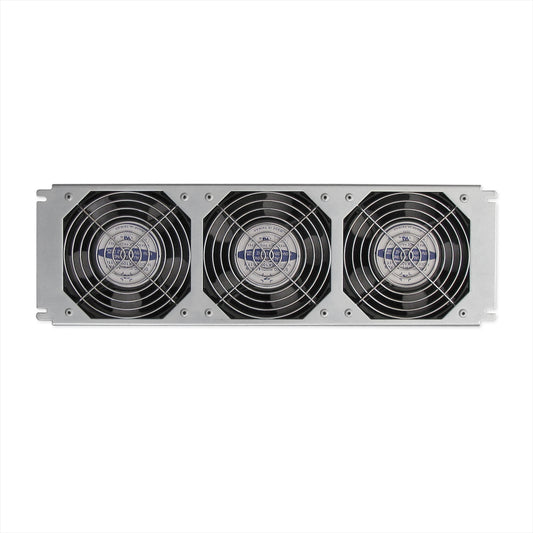
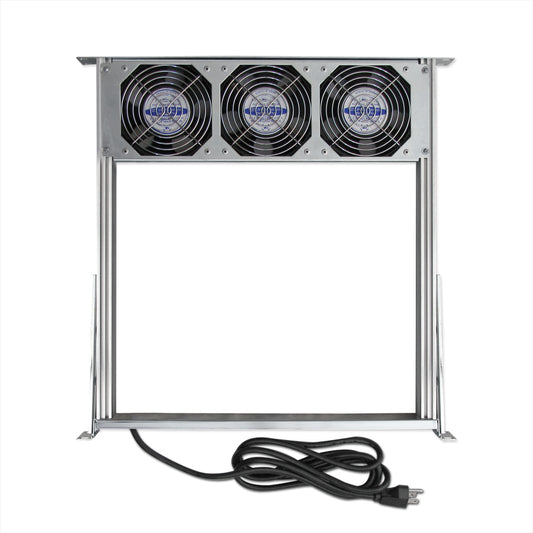
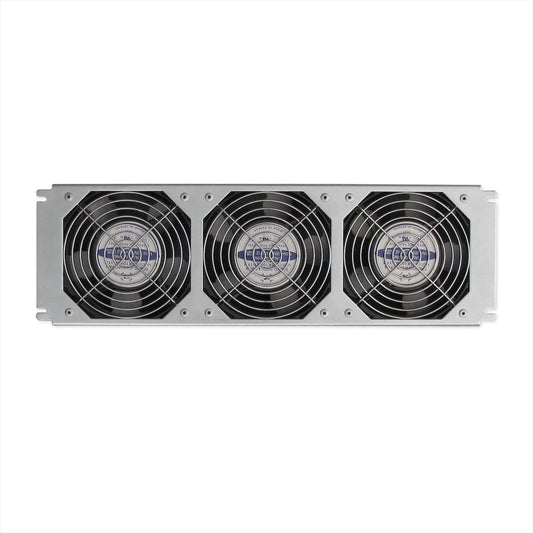
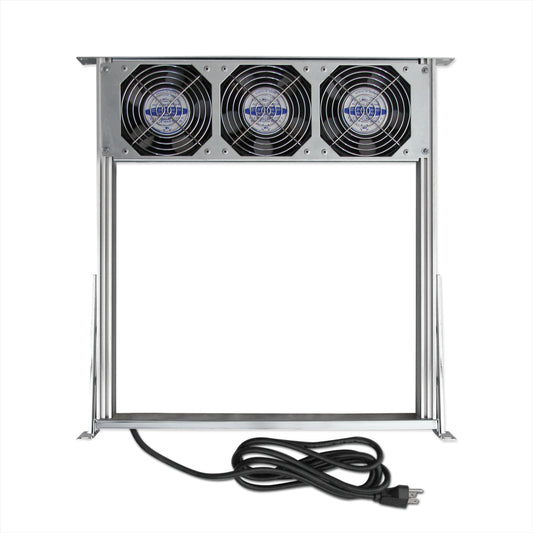
Investing in heavy-duty Fan Tray Assemblies is one of the most practical and reliable ways to eliminate trapped heat at the source. Designed to bolt cleanly into standard 19-inch mounting posts, an engineered fan tray for server rack installations draws in cool ambient air and forces steady circulation across blocked components. By establishing intentional, multi-point CFM distribution, active cooling decks drop internal operating temperatures before thermal stress causes unplanned hardware outages.
Why Are Dedicated Enclosure Add-Ons Essential for Cabinet Airflow?
Balancing thermal flow across busy enterprise enclosures requires purpose-built components rather than makeshift venting fixes. Choosing durable rack accessories helps turn an ordinary steel frame into an actively breathing, high-efficiency enclosure. Dual-ball-bearing fan motors deliver continuous static pressure while running quietly in the background, ensuring smooth heat extraction without vibrating sensitive spinning disks or optical transceivers. GardTec provides daisy chain fan cords that allow multiple cooling fans to be connected efficiently within a single rack or enclosure.
When deployed properly, high-output server rack cooling fans draw cold air in through front perforated doors and guide exhaust out through upper ventilation panels. This steady cross-flow shields internal power supplies and sensitive processing units from long-term thermal fatigue, keeping your primary server racks running stably under high traffic spikes. Both 120V and 230V cooling fan kits are available, including 120V cabinet cooling fans with built-in thermostats for automatic temperature control and improved energy efficiency.
How Can an Add-On Airflow Module Eliminate Localized Hotspots?
Not every equipment setup calls for a full thermal redesign. In many branch closets, a single top-of-rack switch or storage node runs significantly hotter than the surrounding gear due to constant read-write cycles. Installing an individual server rack fan panel directly above or below a known bottleneck breaks up stagnant air pockets instantly.
Targeting thermal choke points with an individual server rack fan prevents isolated heat pockets from bleeding into neighboring hardware tiers. These drop-in units fit standard mounting points and plug directly into your cabinet power infrastructure without demanding complex installation or custom rewiring jobs.
Why Choose an Active Ventilation Deck Over Passive Cabinet Vents?
In high-density telecommunication frames and patch bays, thick bundles of copper and fiber cables inevitably obstruct natural convection currents. Passive ventilation slots can only do so much when air cannot physically circulate past dense cabling. Deploying an active data rack fan deck provides consistent horizontal and vertical air movement directly across congested wiring pathways.
For multi-tier enclosures, adding a secondary data rack fan panel near upper cable channels stops rising heat from gathering around critical core switches. A rugged fan rack chassis keeps cable paths completely unobstructed while delivering dependable volume. By pairing these systems with essential mounting hardware, active cooling modules protect mission-critical equipment and deliver long-term operating stability across all enterprise installations.
-
Server Rack Cooling Fan Tray Assembly (3 Fan, 115V) – FTM-115
Regular price $90.00 USDRegular priceUnit price per -
Fan Tray Assembly (3-Fan, 115V) FTA-115
Regular price $150.00 USDRegular priceUnit price per -
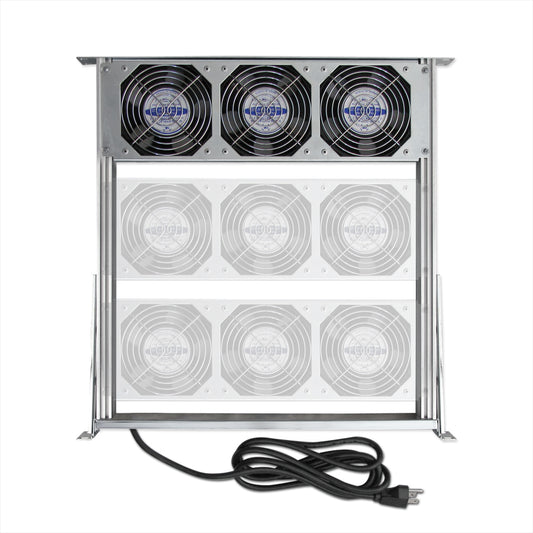
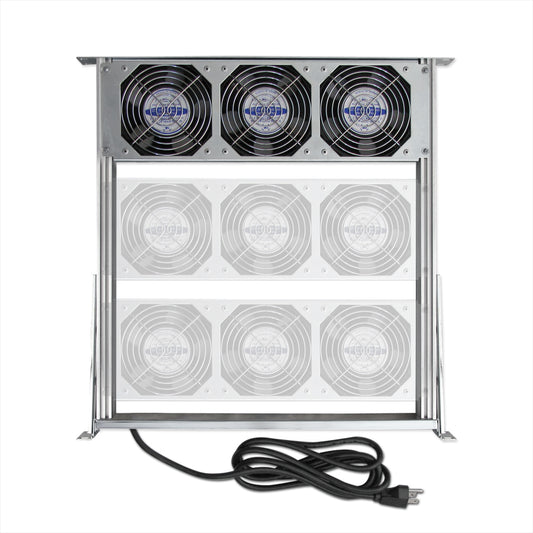
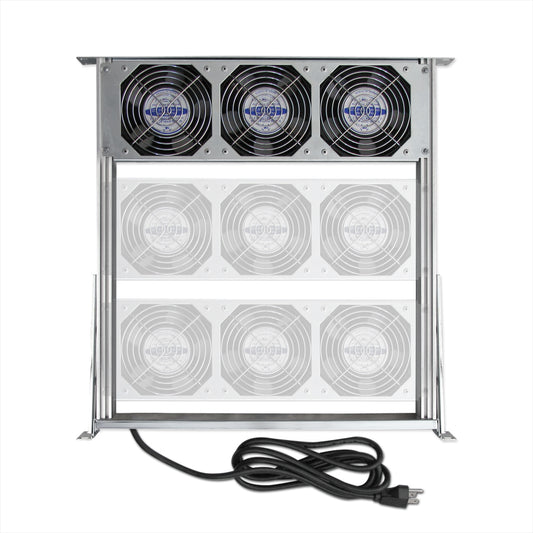
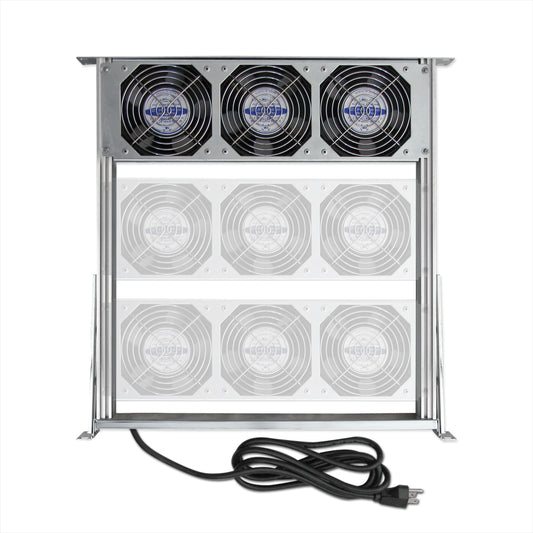
Server Rack Cooling Fan Tray Assembly (6 Fan, 115V) – FTA-115-2
Regular price $240.00 USDRegular priceUnit price per -
Server Rack Cooling Fan Tray Assembly (9 Fan, 115V) – FTA-115-3
Regular price $320.00 USDRegular priceUnit price per -
Fan Tray for Server Rack Cooling
Regular price $25.00 USDRegular priceUnit price per -
Server Rack Cooling Fans (3 Fan, 230V)
Regular price $95.00 USDRegular priceUnit price per -
Server Rack Cooling Fan Tray Assembly (3 Fan, 230V) – FTA-230
Regular price $155.00 USDRegular priceUnit price per -
Server Rack Cooling Fan Tray Assembly (6 Fan, 230V) – FTA-230-2
Regular price $245.00 USDRegular priceUnit price per -
Server Rack Cooling Fan Tray Assembly (9 Fan, 230V) – FTA-230-3
Regular price $325.00 USDRegular priceUnit price per